work / keep-receipt · Live
Keep Receipt
Snap a receipt, AI reads it, your spending explains itself.
I needed a digital record of business expenses for tax time, and a clean line between personal spending and the businesses. Budgeting insight came along for free once everything was captured. The design constraint was cost: read the receipt on-device with OCR first, and only fall back to Gemini vision when the scan is genuinely unreadable, so the AI bill stays near zero.
Shoebox receipts and no idea where the money goes, especially across personal and business.
Photograph a receipt and on-device OCR reads it, with an AI vision fallback only on low confidence. Auto-categorised spend, personal-versus-business tagging, insights, and an Australian tax lens with entity tracking.
- React 19
- Dexie
- Tesseract.js
- Vision LLM
- PWA
Cheap local first, expensive AI only on low confidence.
Screenshots from the app in actual use, not mockups.
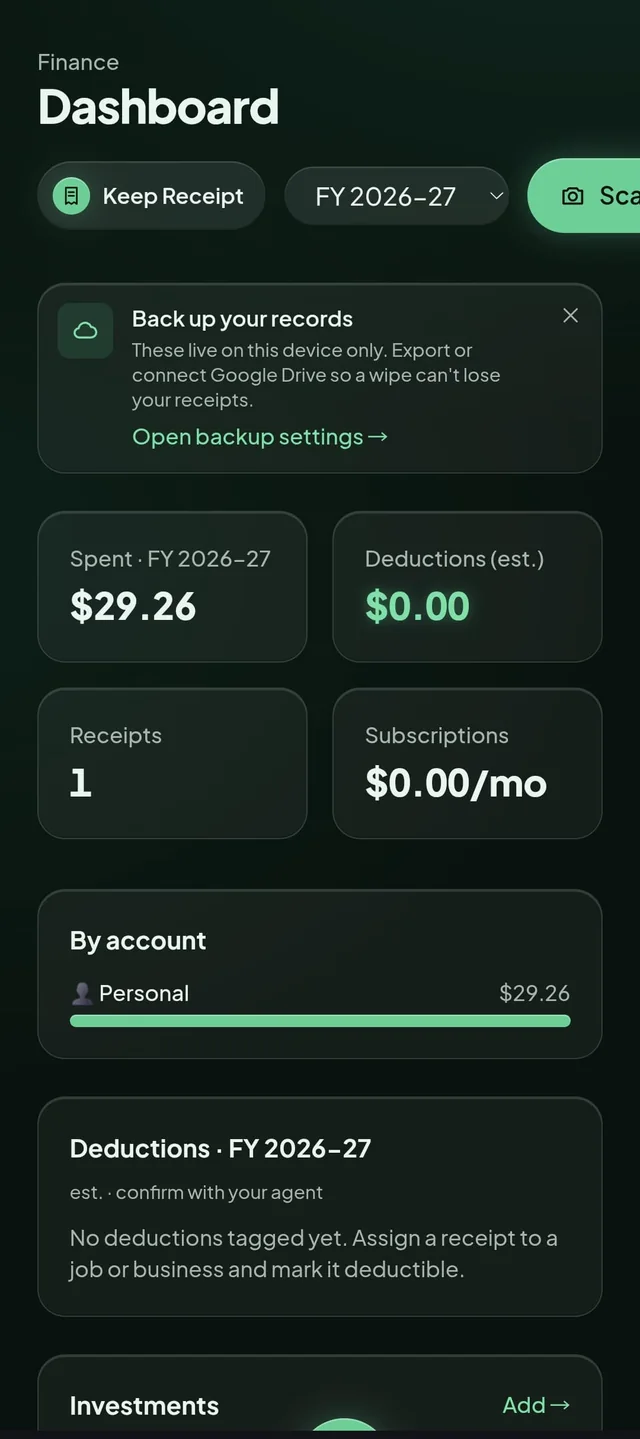
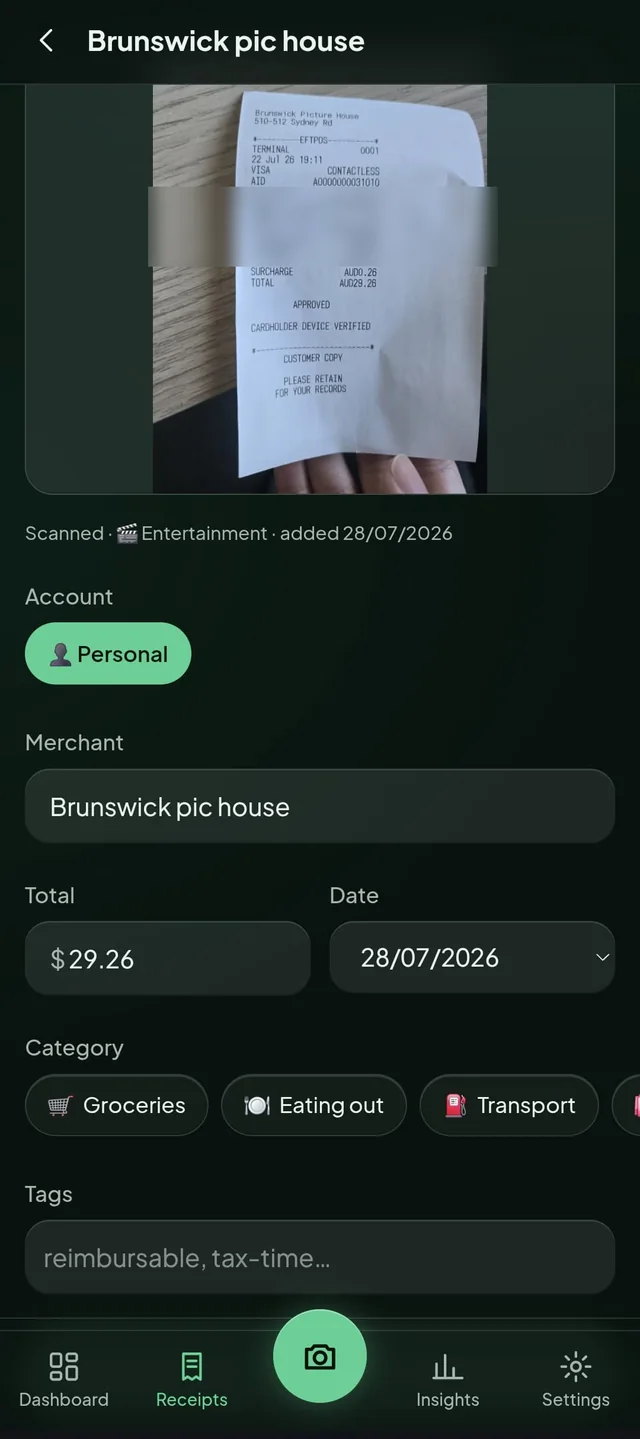
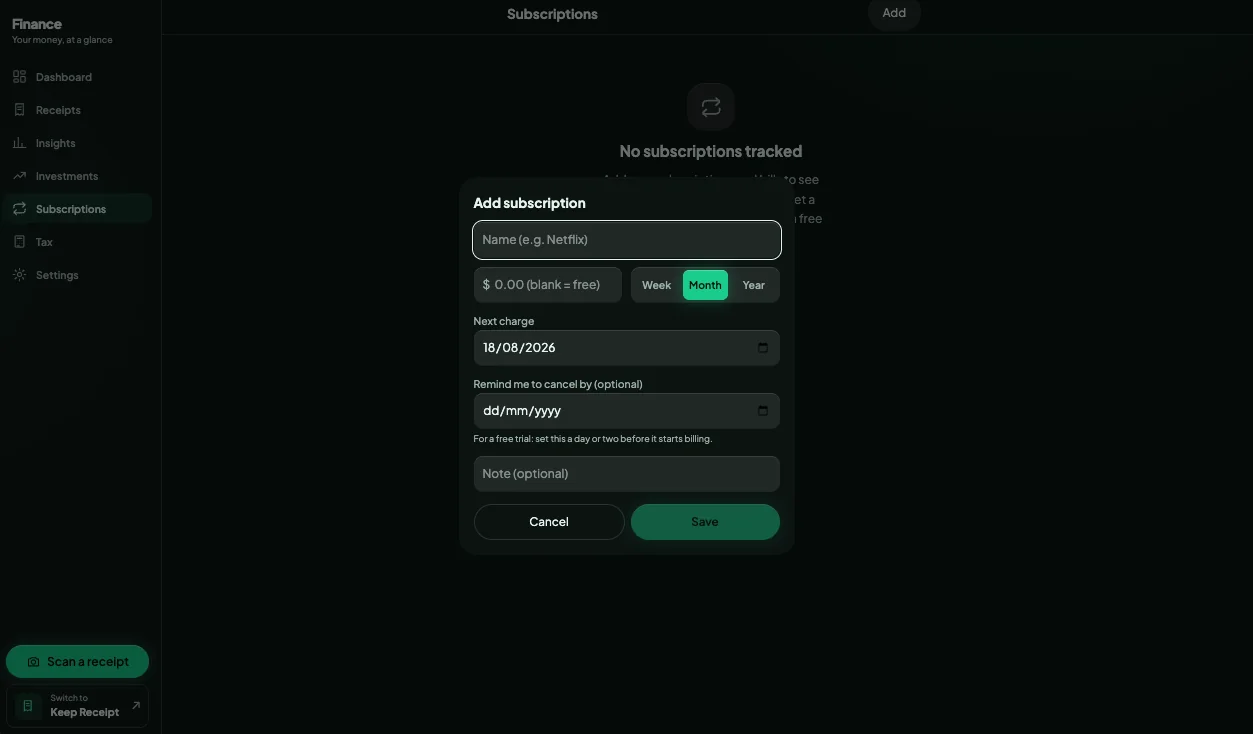
The real thing
A pure-frontend replica with mock data: nothing is saved, nothing leaves the page. The real app is richer; this is the feel of it.
loading the demo…
The thinking
user · pains · gap · tools
Australians juggling personal and business spend (employees, sole traders), starting with me.
Target user
- Shoebox receipts and lost deductions at tax time
- Manual categorising never happens
- Cloud finance apps want your data on their servers
Pain points
A privacy-first, ATO-aware receipt keeper: on-device OCR by default, AI vision only when needed, multi-entity tax lens built for Australian FY rules.
Gap in the market
- Tesseract.js OCR
- Kimi vision (fallback)
- Claude Code (build)
- Dexie
- Google Drive backup
AI + tooling
- Capture at the point of action: snap now, categorise never
- Loss aversion: surfacing the deductions you are about to miss
- ATO myDeductions parity model with multi-entity tagging
- Privacy by design: hybrid cheap-local OCR, AI only on low confidence
Frameworks
- Live and used across several real expense runs
- Hybrid OCR-first pipeline keeps the AI vision cost to genuine fallbacks only
- TBD: receipts captured, deduction totals surfaced
Success metrics
Real-time voice lessons that feed a spaced-repetition word bank.